

Spotit - TIN Surface Spot heights
About
SpotIT is a command utility to list the spot heights through TIN surfaces at the selected point for BricsCAD Pro and above.
Command(s)
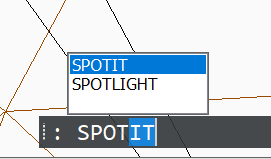
SPOTIT
Using
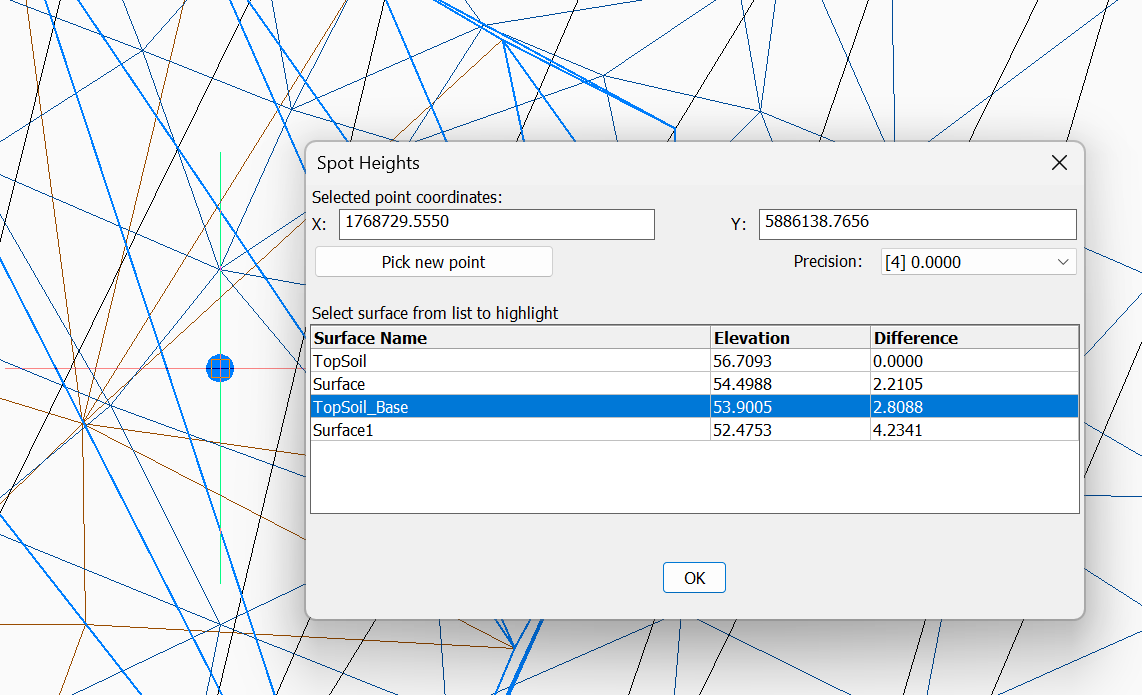
When running the SPOTIT command it is best to pick your points from in a PLAN view orientation. If you want to work in a 3D view, then you will need to make sure that you use an object (entity) snap when selecting your point, otherwise the selected point may not actually be over the surface. A visible marker will be shown on the screen to indicating your selected point.
Information is displayed in a dialogue giving the name of each surface, its elevation, and the difference in height to the upper most surface. The number of decimal points displayed is user adjustable. Selecting surfaces names in the list box will highlight them on the screen
Setup
- Download using the button below.
- You can load by simply dragging and dropping the file onto an existing drawing window in BricsCAD. If you find it useful, then you can use APPLOAD to get BricsCAD to load it automatically.
Need tools for BricsCAD?
Looking to customise your BricsCAD setup to provide tools like this? Contact us to discuss.
Ready to Transform Your CAD Workflow?
Contact us today to discover how CAD Concept's first-rate support and expert training can elevate your design process.